SKIM Example
Keep the context, keep moving.
For Uni Students
SkipLecture
SkipLecture shows you what to skip, what to skim, and what to wake up for, so a 37-slide lecture stops behaving like a single block of homework.
Three verdicts
Every slide gets pushed into SKIP, SKIM, or WAKE_UP.
Shorter route
You stop revising the deck in slide order and start revising by value.
Built for
Every uni student who doesn't want to watch lectures.
Why the layout works
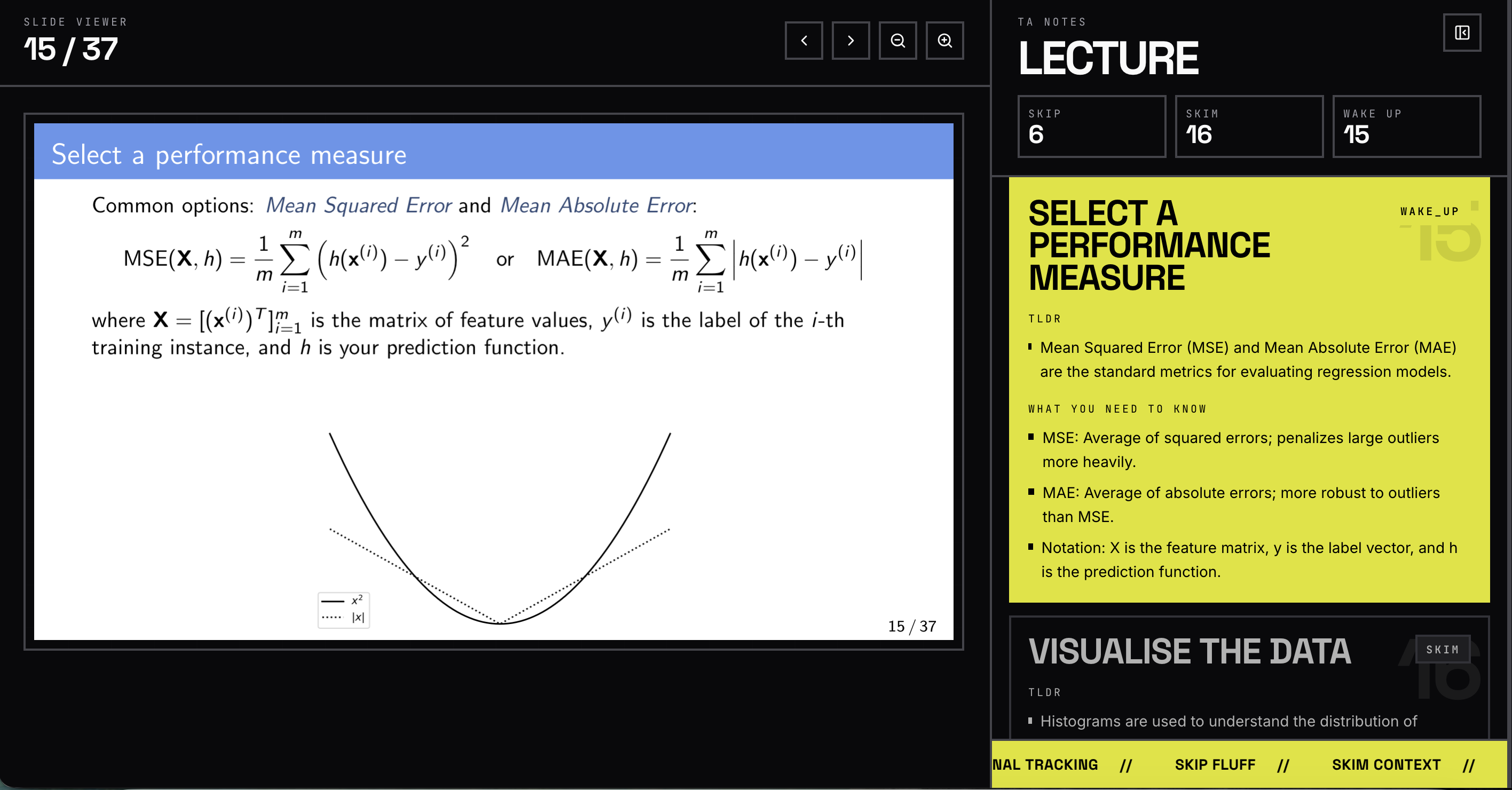
The slide and the note live in the same glance.
You do not bounce between PDFs, notes, and memory. The viewer keeps the source slide, the verdict, and the study bullets in one frame.
Verdict System
SKIP
Use it for admin, filler, and low-value review slides that do not deserve revision time.
SKIM
Keep the context, but do not camp there. This is the background material around the real marks.
WAKE_UP
This is where the mechanics, formulas, and core concepts live. Study here first.
Examples
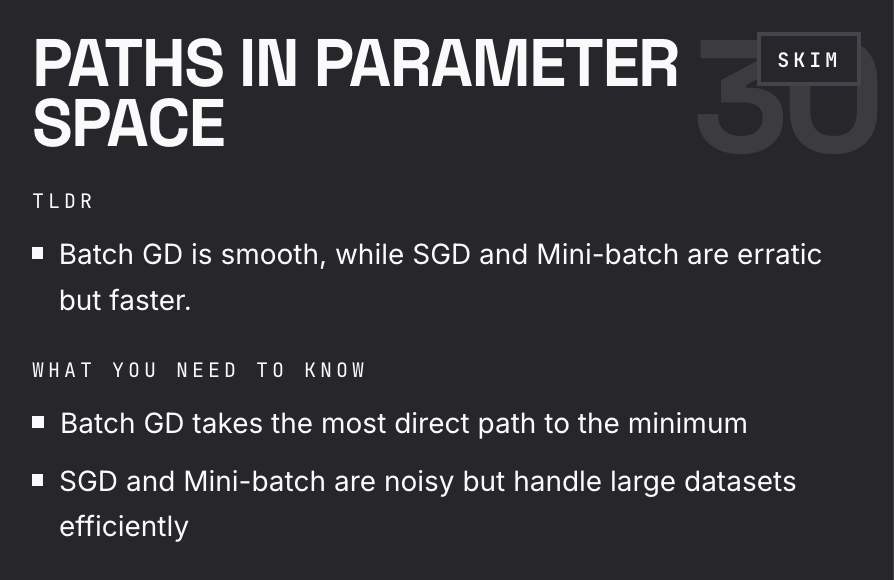
SKIM Example
Keep the context, keep moving.
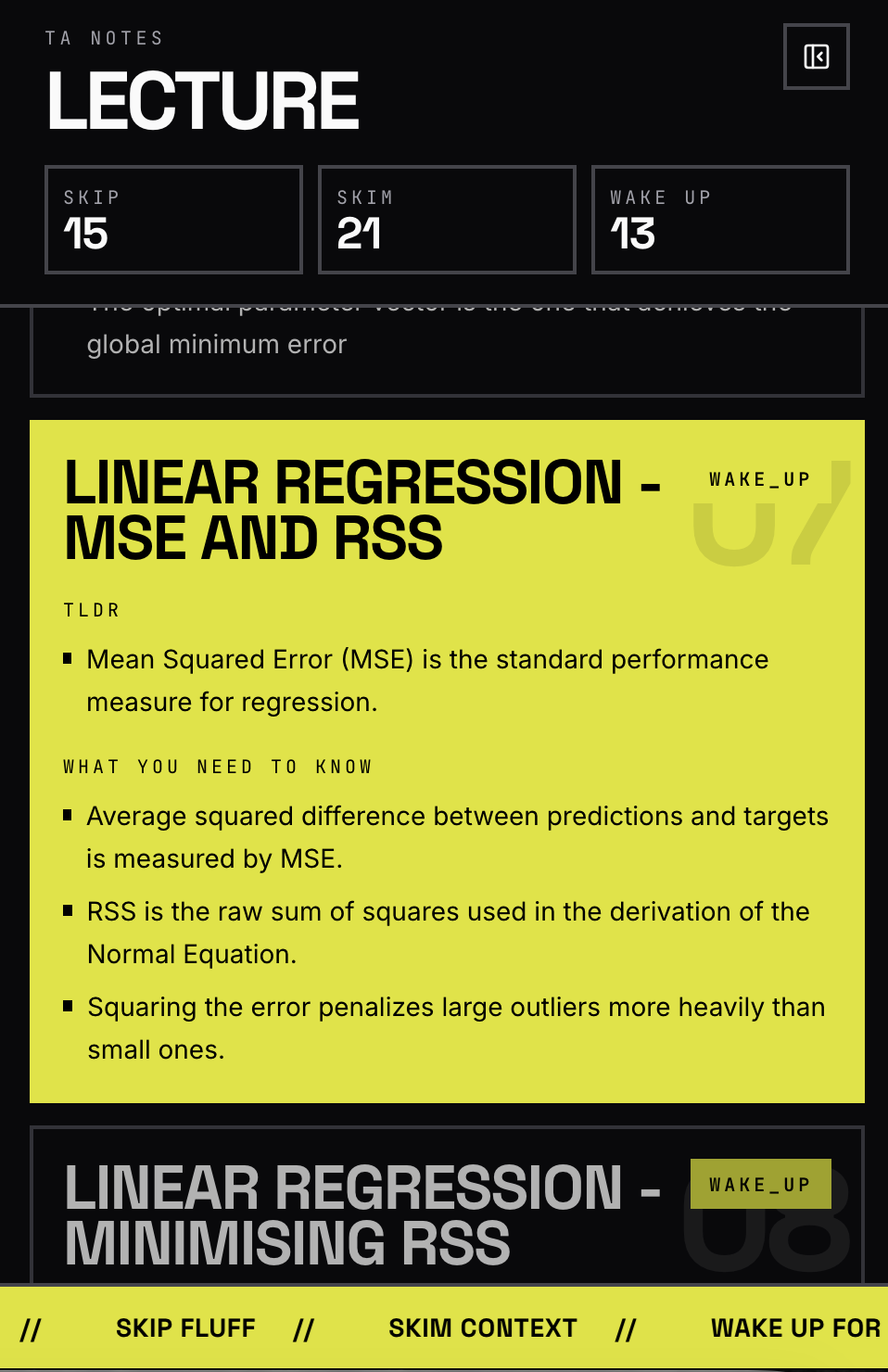
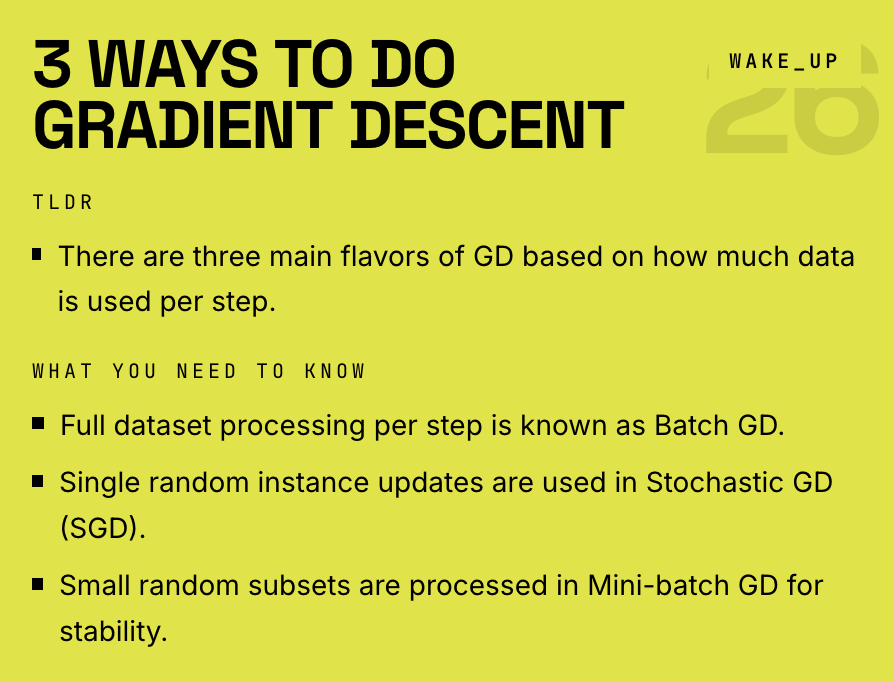
WAKE_UP Example
This is where you stop and study.
Workflow
01
Drop in the slide deck and let SkipLecture break the session into reviewable parts.
02
The system sorts the deck into skip, skim, and wake-up so the hierarchy is obvious immediately.
03
Open the notes panel, jump to the wake-up slides, and move through a shorter study path.
LLM Assist
Keep the reader open, keep the lecture context attached, and turn one confusing frame into a direct answer instead of another tab.
In Reader
Turn a confusing slide into an answerable question.
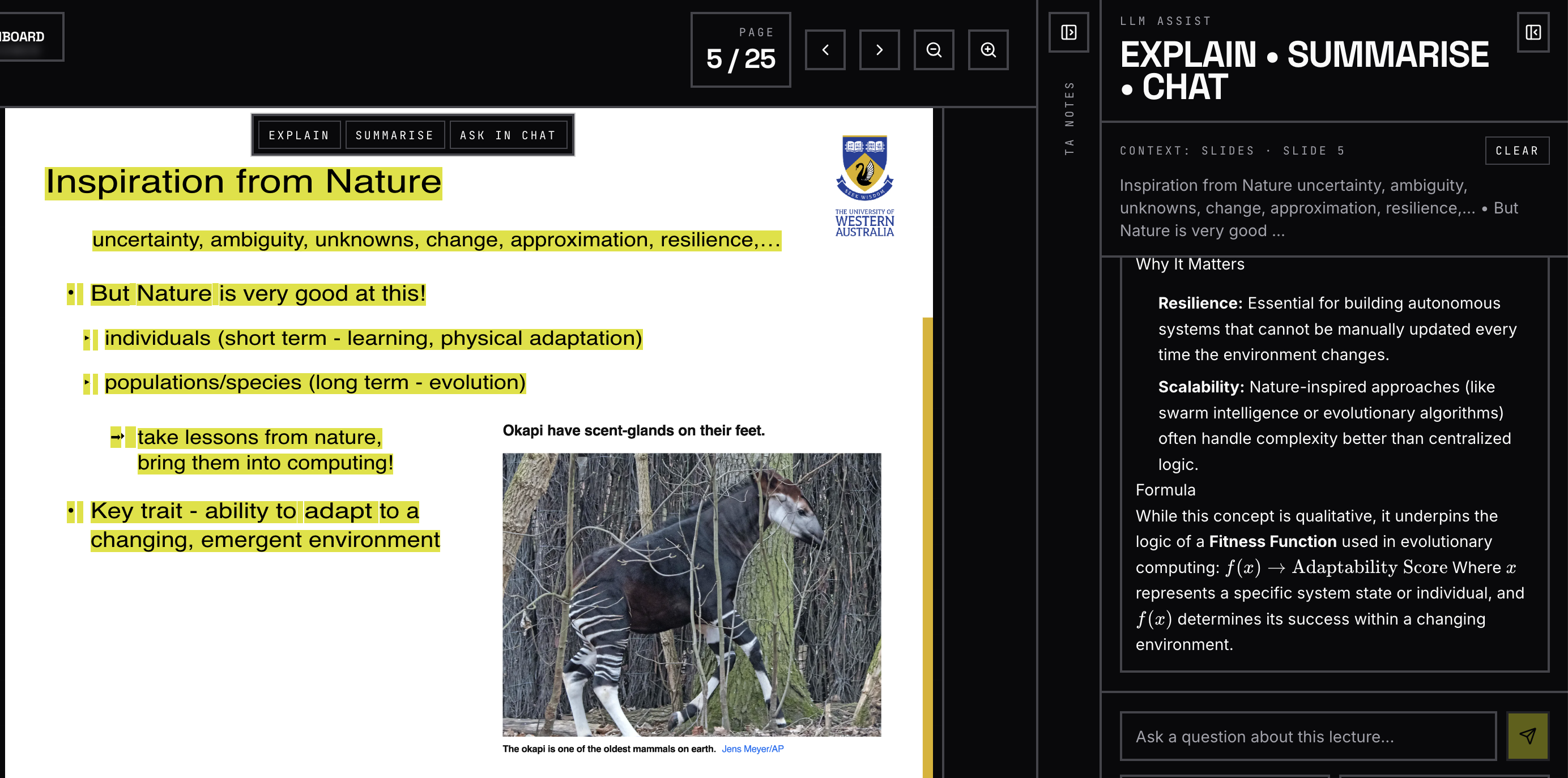
Explain
Highlight slide or note context, then ask for an explanation without leaving the reader.
Summarise
Use Summarise when you need the short version and Chat when you need a targeted follow-up.
Grounded
The assistant keeps the current slide context attached so the answer stays grounded in the lecture.
Get Started
Free accounts can queue one lecture every rolling seven days. Pro removes the cap when your course load explodes.